Joy Foroughi
Executive Assistant


App Localization Beyond Translation: Cultural UX for International Launches
A practical mobile app localization strategy for international launches. Why translation isn't enough and what cultural UX really requires. Most founders think localization is translation. It isn't. A real mobile app localization strategy covers pricing, payments, layout, trust signals, and dozens of cultural decisions that decide whether a launch feels native or foreign.
Introduction
When a mobile app starts performing well in one market, the next question is always the same. Where do we launch next? The answer usually comes faster than the planning that should follow it. A second language gets added, the App Store listing gets translated, the team congratulates itself on going international, and then nothing happens. Downloads stay flat. Reviews mention that the app feels strange. Local users churn within a week.
The pattern is so consistent that most experienced product teams now treat translation as the smallest part of localization. Real localization is about making the product feel like it was built in the market, not shipped into it. That distinction is the difference between an international launch that lands and one that quietly fails.
This guide walks through what a mobile app localization strategy actually requires, where translation falls short, the cultural UX details that decide conversion, and a practical way to decide what to localize first.
What Mobile App Localization Really Means
Localization is the work of making a product feel native to a specific market. Translation is one piece of it. The rest covers everything the user touches, sees, and expects from a product they trust.
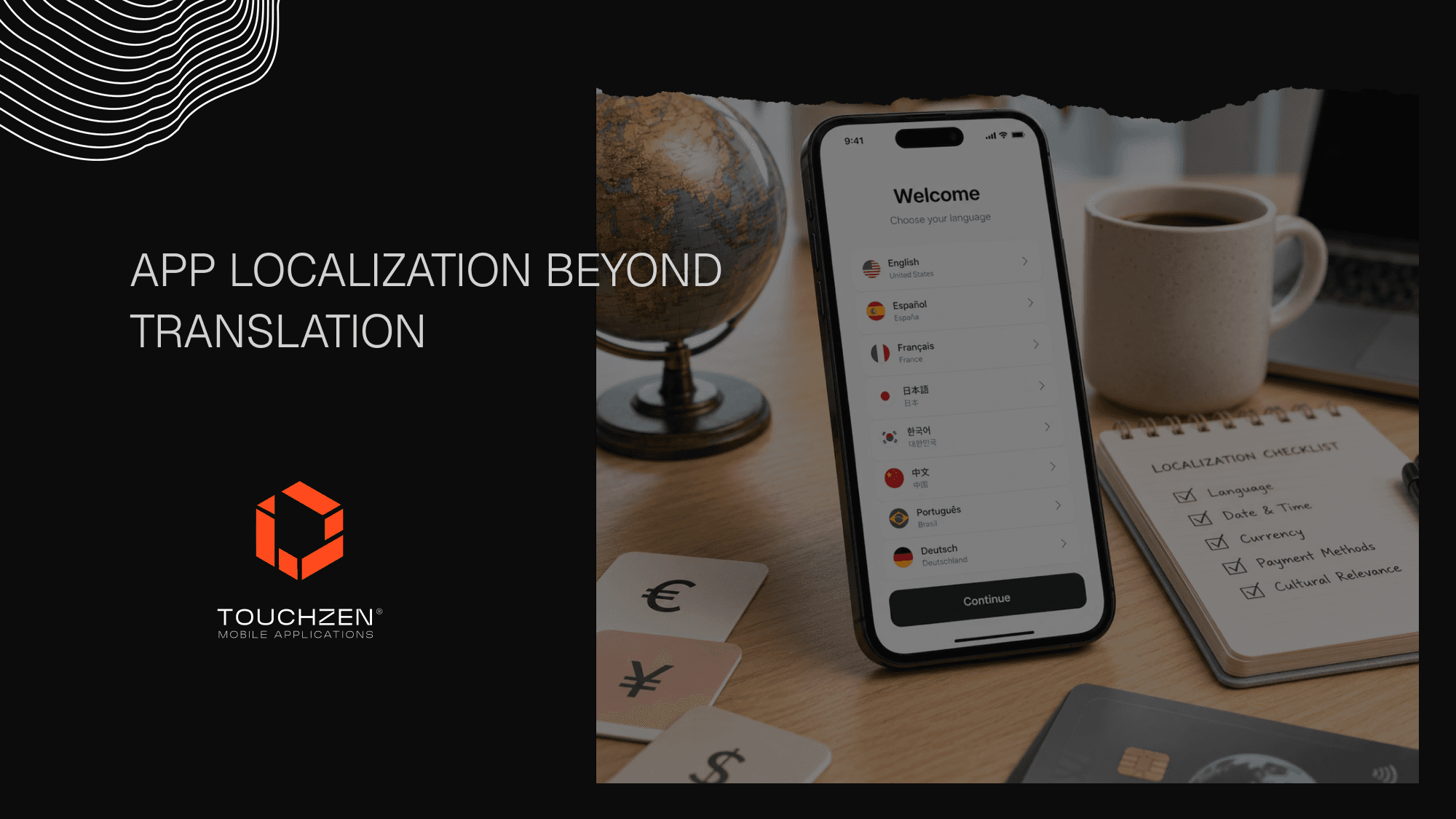
A useful mental model: localization is the sum of every small decision that signals "this was built for me." Some of those decisions are obvious. Language and copy clearly need attention in any new market. Currency and pricing follow close behind, because a price displayed in the wrong currency erodes trust before the first tap. Date, time, address, and phone number formats are easy to overlook and immediately noticeable when wrong. A user in Berlin who sees "12/05" interpreted as December 5th rather than May 12th notices.
Units of measurement matter just as much. A fitness app that displays distances in miles to a German user is not a fitness app a German user trusts. A cooking app that uses cups instead of grams loses credibility with anyone outside the United States. Payment methods differ by region in ways many founders underestimate. Depending on the market, users may expect local payment options such as iDEAL, UPI, PIX, Konbini, bank transfer, wallets, or cash-based payment flows. Support expectations vary too, with some markets expecting WhatsApp or LINE while others want email or in-app chat.
App Store and Google Play metadata is its own discipline, since title, subtitle, keywords, screenshots, and previews all need to be reworked per market for both discoverability and conversion. Cultural UX expectations are the layer that ties everything together: the assumptions users carry about how an app should look, behave, and ask for things in their context.
For teams planning international expansion, the right mobile app development foundation matters long before the first translated screen goes live. TouchZen Media mobile app development
Why Translation Alone Is Not Enough
A directly translated app rarely feels native, even when the translation is technically correct. The reason is that language is the surface. The behaviors beneath it are what users actually respond to.
Consider a fitness app expanding from the US to Japan. A literal Japanese translation of every button is straightforward. What is harder is recognizing that motivational copy that works in English ("Crush your goal!") often feels aggressive in Japanese, where understatement and encouragement read more naturally. The translated app technically works. It just feels off, and Japanese users sense it within a few screens.
The same pattern shows up across categories. A finance app launching in Germany that uses American-style "save more, spend less" framing tends to underperform German competitors who lead with security, privacy, and stability, because those values resonate more strongly with German consumers. A food delivery app entering the Middle East that does not support right-to-left layouts or local payment methods is not really in market, regardless of how clean the Arabic translation is.
Translation answers what the words mean. Localization answers what the product means.
Cultural UX Details That Affect Conversion
Some of the highest-leverage localization work happens at the UX layer rather than the language layer.
Right-to-left support is the clearest example. Arabic, Hebrew, Farsi, and Urdu all require the entire layout to flip, not just the text. Buttons, icons, navigation, charts, and onboarding flows need to be designed with mirroring in mind. Apps that bolt this on as an afterthought tend to ship broken layouts and lose users immediately.
Color and icon meanings shift across markets in ways founders rarely think about. Red signals luck and celebration in China and warning or loss in the West. Thumbs-up means approval in much of the world and is offensive in parts of the Middle East. A check mark inside a circle reads as completion in most Western contexts and can be ambiguous elsewhere. None of these are dealbreakers on their own. Together, they add up to whether a product feels carefully made or carelessly shipped.
Local trust signals are another underrated dimension. In Germany, users look for clear privacy disclosures and TÜV-style certifications. In Japan, formal language and a clear sense of company legitimacy matter more than slick branding. In Brazil and India, users often look for visible WhatsApp support or local phone numbers as proof that real humans stand behind the product. Checkout and payment preferences follow the same logic: apps that surface the user's preferred local payment method first see meaningful conversion lifts compared to apps that default to Apple Pay or Stripe everywhere.
Onboarding expectations vary too. Some markets respond well to playful, fast-moving introductions. Others prefer a slower, more explanatory opening. Push notification tone and timing follow the same pattern, with what works in New York frequently feeling pushy in Tokyo or Seoul.
This overlaps with inclusive UX as well, especially when layout, readability, accessibility, and cultural expectations shape how easily people can use the product.
Product Areas That Need Localization
Most apps have a clear hierarchy of where localization pays off fastest.
Onboarding sits at the top. The first three to five screens shape whether the user trusts the app enough to keep going, and they are the most context-sensitive part of the experience. Account creation comes next, because sign-up flows often expose assumptions about names, phone formats, addresses, and identity verification that do not generalize across borders.
Pricing and paywalls deserve their own pass per market. Currency display, plan names, discount framing, and trial mechanics all carry cultural weight. Payment flows are the screen where local payment methods, billing addresses, and tax handling either work or don't. Notifications, both copy and timing, set the tone for ongoing engagement and are easy to get wrong with a literal translation.
Customer support deserves a real localization plan rather than a translated FAQ. Markets differ on response time expectations, preferred channels, and tone, and apps that handle support badly in a new market burn reviews quickly. App Store and Google Play listings need market-specific screenshots, copy, keywords, and previews. Legal, privacy, and consent screens carry both regulatory and trust weight, especially in the EU under GDPR or in California under CCPA. Help center and FAQ content is the long tail of localization work, and it is where many apps quietly fall short.
For founders building in categories like food, lifestyle, or wellness, looking at how brands handle international rollouts is useful. Our work on the FullyRaw app in lifestyle and the PTX Therapy app in wellness both involved careful decisions about how copy, imagery, and flows translate across audiences.
A Practical Localization Checklist for Founders
Before launching a mobile app in a new market, work through the high-impact decisions one by one rather than treating localization as a single project.
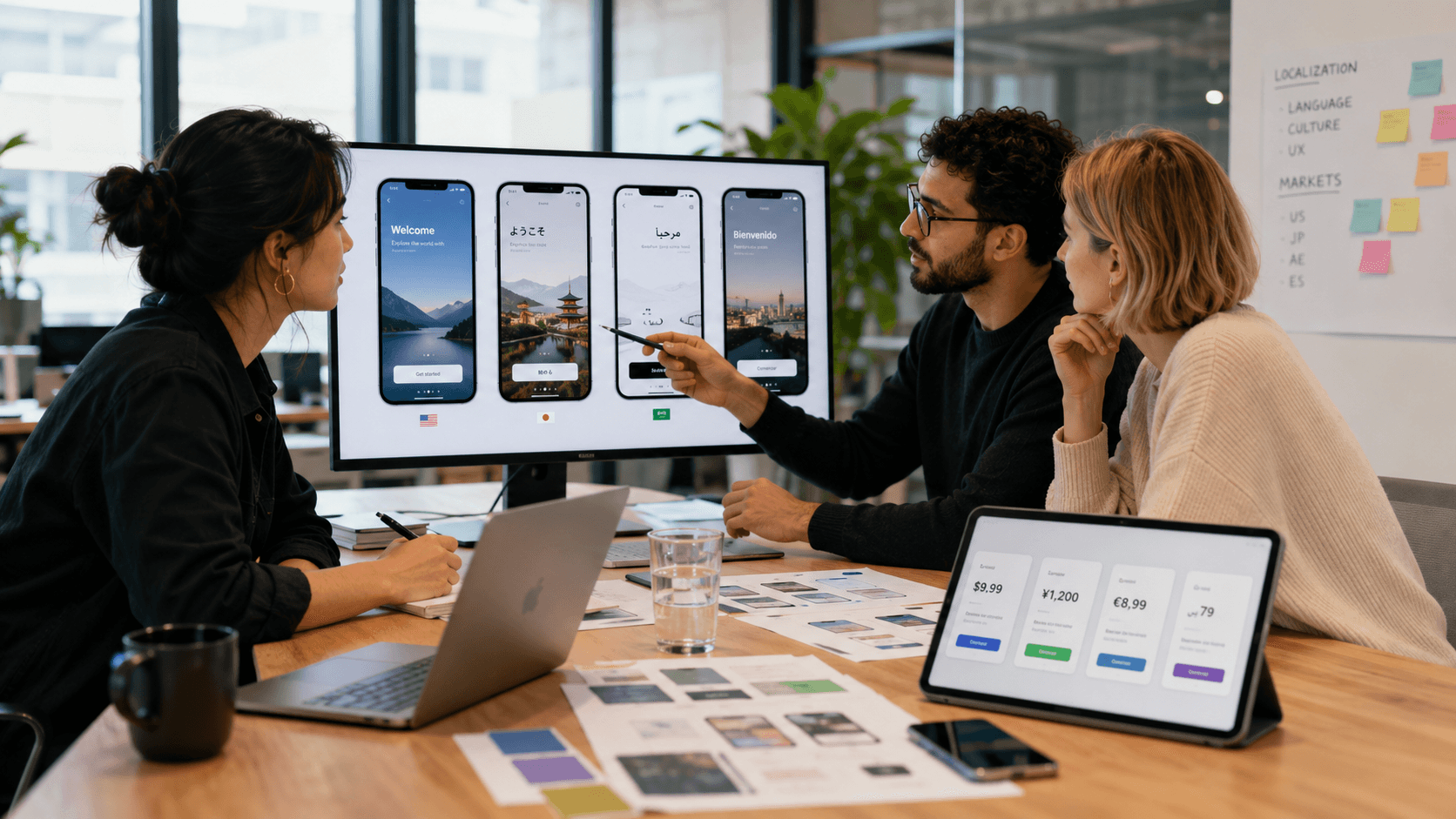
Start by confirming the language strategy, including whether you need formal or informal register, regional variants like Spanish for Spain versus Mexico, and which content needs human translators versus machine assistance. Decide how currency, pricing, date, time, and unit formats will be handled both in code and in design. Identify the local payment methods that matter and how they integrate with your existing billing stack. Audit your imagery, illustrations, and example data so the user sees representations of people, places, and use cases that match the market.
Plan App Store and Google Play localization as its own workstream, with locally relevant keywords, screenshots, preview videos, and copy. Review your support model and decide on channels, response times, hours of coverage, and the team or partner who will run it. Confirm legal and privacy compliance for each market, including consent flows, data handling, and any region-specific disclosures. Finally, build a feedback loop with local users so you hear about cultural misses early.
This work is not glamorous, but it is the difference between a launch that earns a foothold and one that drifts.
When to Localize: MVP vs. Growth Stage
Not every MVP needs full localization from day one. For most apps, the first launch is in a single primary market, and localization can wait until product-market fit is clear. What founders cannot afford to skip is the architecture work that makes localization affordable later.
That means designing copy systems that pull from string files rather than hardcoded text. It means building currency, date, and unit handling through libraries that can be swapped per locale, not baked into the UI. It means making the payment layer modular so new providers can be added without rewriting checkout. It means writing copy in a way that translators can work with, free of idioms and references that do not travel.
A team that gets the architecture right at MVP stage can add a new market in a focused sprint. A team that hardcoded everything has to rebuild the same screens twice. The cheaper time to plan localization is always earlier than founders expect.
For more on building flexible foundations from the start, our piece on native app development for startups covers some of the architectural decisions that influence international scalability.
How TouchZen Media Thinks About International App Launches
At TouchZen Media, we approach international launches as product work, not translation work. Our team has shipped over 75 mobile apps across iOS, Android, and web, with 20M+ combined downloads and 12+ apps featured by Apple and Google. We work with startups and growing companies in categories ranging from wellness and fitness to aviation, productivity, food, and lifestyle, and the apps that scale internationally usually share a few common patterns: a clean architecture for locale handling, a deliberate App Store strategy per market, and a willingness to question the assumptions baked into the original product.
Our work spans strategy, UX/UI design, branding, mobile development, launch, and ongoing product support. For founders preparing a new launch or planning international expansion, that breadth matters, because localization decisions cut across product, design, engineering, and growth all at once. Examples of how that comes together in real launches can be found across the TouchZen portfolio, including category-specific work like Level Up Goal Tracker for productivity-focused apps.
Frequently Asked Questions
1. What is mobile app localization?
Mobile app localization is the work of adapting an app so it feels native to users in a specific market. It covers language, currency, formats, payment methods, design, App Store listings, support, and the cultural decisions that shape trust and conversion.
2. How is localization different from translation?
Translation converts the words. Localization adapts the experience. A translated app may have the right text in every button but still feel foreign because pricing, payment methods, formats, trust signals, and tone were not adjusted for the local market.
3. When should a startup localize its mobile app?
Most founders do not need full localization at MVP stage. They do need to architect the app so localization is affordable later. Once the product has clear traction in its first market and the team can identify a second market with real demand, full localization becomes worth the investment.
4. What parts of an app should be localized first?
Onboarding, paywalls, payment flows, App Store and Google Play listings, and core notifications usually deliver the highest return on localization investment. Help content and FAQs can follow once the launch is live.
5. How much does mobile app localization cost?
Cost depends on scope. A single new language with currency, formats, and basic App Store work might run from a few thousand dollars for a small app to tens of thousands for a complex one. Larger rollouts with multiple markets, payment integrations, and per-market design work scale from there. A short audit is usually the right first step.
Conclusion
Building a mobile app localization strategy that goes beyond translation is what separates apps that travel from apps that stay local. The work is detailed, and most of it happens in places users will never explicitly notice. They feel it instead. The price is in the right currency. The date is in the right order. The payment method they prefer is the default. The onboarding tone fits how people talk to each other in their context. None of these are heroic feats of engineering. Together, they are what makes a product feel like it was made for the user, not shipped at them.
If you are planning a mobile app launch or thinking about expanding into new markets, the TouchZen Media team is glad to talk through what your localization strategy could look like, and where to start.