
Joy Foroughi
Executive Assistant


Beta Testing Mobile Apps: How to Run a Pre-Launch That Actually Catches Bugs
How to run mobile app beta testing that actually catches bugs. TestFlight, Google Play testing, tester selection, and what to fix before launch. Most embarrassing app launches were preventable. A structured mobile app beta test surfaces the crashes, UX gaps, and onboarding leaks that QA misses—before they hit the App Store. Here's how to run one that actually catches what matters.
Introduction: Why Mobile App Beta Testing Matters Before Launch
Most launches that go badly were salvageable two weeks earlier. The crashes were there. The confusing onboarding was there. The login bug on older Android phones was there. The team simply didn't see it because no one outside the build had ever opened the app.
Mobile app beta testing is the bridge between "it works on our devices" and "it works in the real world." It's the cheapest insurance policy a startup can buy against a launch that arrives with 2-star reviews, crashes in the first session, and a churn cliff that no marketing budget can climb back from.
This guide walks through how to run a pre-launch beta that actually catches the issues that matter—covering TestFlight, Google Play closed testing, tester selection, the kinds of bugs to look for, and the difference between "fix before launch" and "ship and patch later." It's written for founders and product owners running an app launch with limited time, limited budget, and no margin for an embarrassing first impression.
TouchZen Media mobile app development services page
What Mobile App Beta Testing Is (and What It Isn't)
Beta testing is the phase where real users—outside the build team—use your app on real devices, in real conditions, before the App Store and Google Play release.
It is not:
A replacement for internal QA. By the time the app reaches beta testers, it should already be stable enough that they're testing the experience, not finding obvious bugs.
A focus group. You're observing behavior, not collecting opinions about whether the brand feels right.
A free pool of free engineering. Beta testers help you find issues; they don't fix them.
The simplest mental model: QA confirms the app works the way it was built. Beta testing confirms it works the way real users actually use it. Both are necessary. Skipping either is how launches get burned.
TouchZen Media A/B Testing & Growth Experiments page
TestFlight, Google Play Closed Testing, and Real User Feedback
Apple and Google both ship strong tools for beta distribution. Use them.
Apple TestFlight
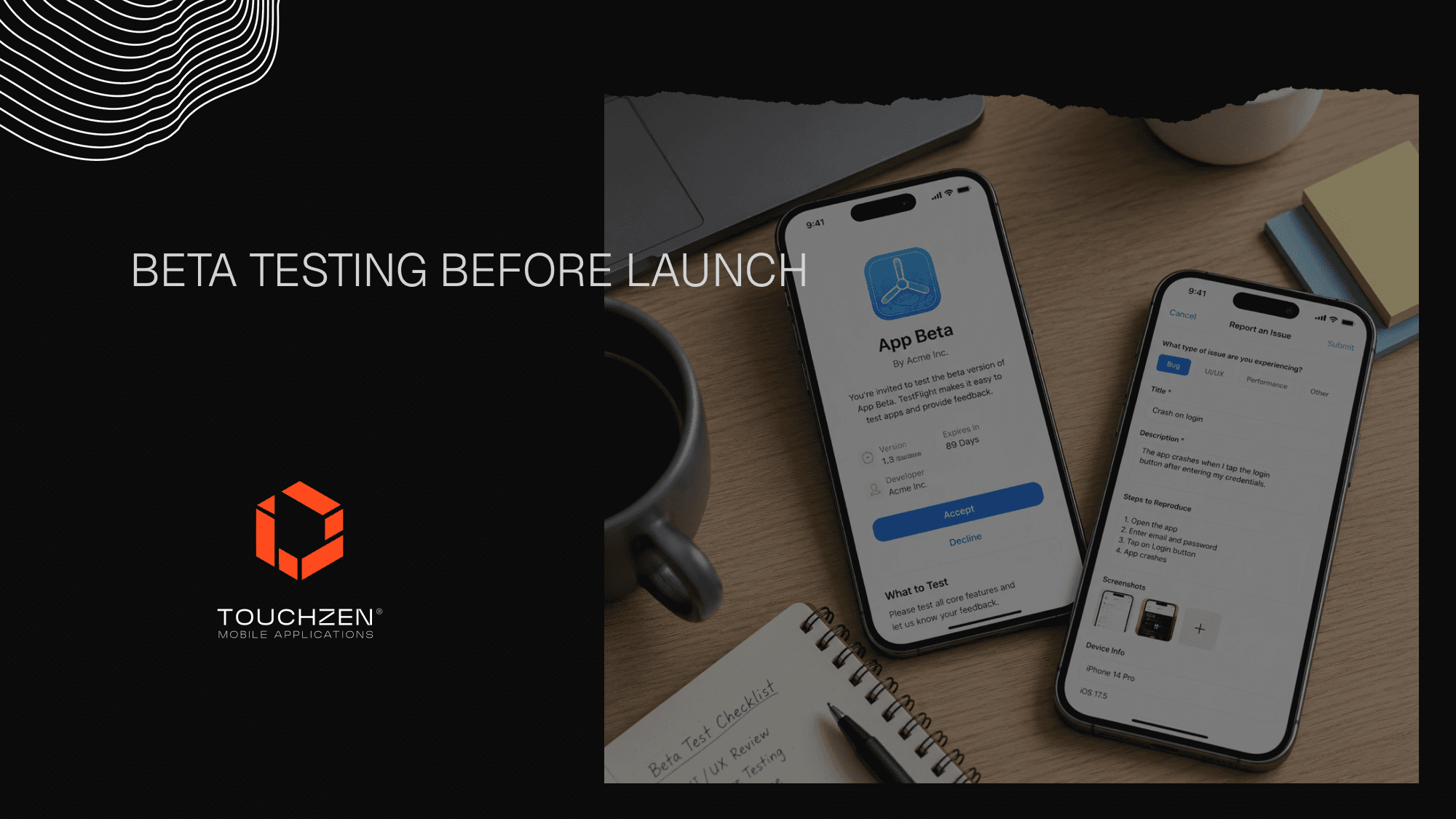
TestFlight is the standard for iOS pre-launch testing. It supports up to 10,000 external testers via email or public link, gives you per-build feedback and crash reports, and lets users update easily. Builds expire after 90 days, which acts as a natural pressure on the timeline.
Google Play Internal and Closed Testing
Google Play offers internal testing (up to 100 testers, fast push), closed testing (up to thousands, requires email lists or Google Groups), and open testing (public). Most founders run internal testing first, then graduate to closed testing as the build stabilizes.
Direct Distribution
Some teams supplement with direct distribution—Firebase App Distribution, Diawi, or enterprise builds—when they need tighter control over who has what version. Useful in early stages, but not a replacement for TestFlight and Play Console once the app is close to launch.
A Step-by-Step Mobile App Beta Testing Workflow
A structured beta test typically runs across two to four weeks, depending on app complexity. The shape that consistently works:
Step 1: Finish Internal QA First
Before any external tester touches the build, the internal team should have run full QA passes on multiple devices and OS versions, smoke-tested every flow, and burned down the launch-blocker bug list. Beta testers are not free QA staff.
Step 2: Define What You're Testing
Write down what success means for the beta. Are you watching for crashes? Onboarding drop-off? Specific flows like payments or video? Define three to five things you actually need to validate—not "general feedback."
Step 3: Recruit Real Target Users
Pull from your waitlist, customer email list, social followers, or community. Avoid only friends, family, and other founders. The closer your beta cohort matches your real launch audience, the more reliable the signal.
Step 4: Distribute and Onboard
Send a clear welcome message: what the app is, what you want them to do, how to report bugs, what's expected of them, and how long the test runs. Make it easy. Most tester drop-off happens in the first 48 hours because the instructions were unclear.
Step 5: Collect Structured Feedback
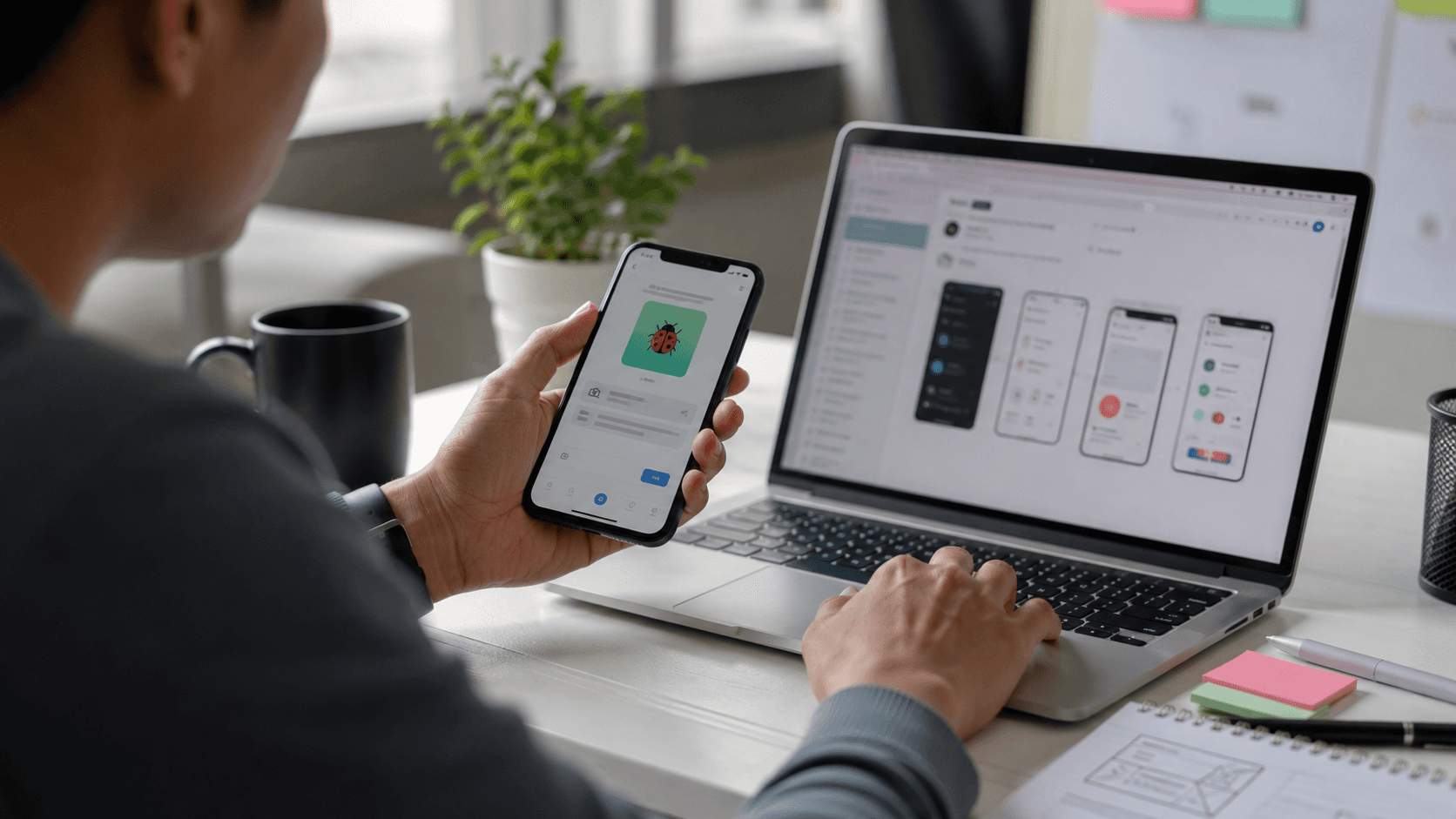
Don't rely on a single channel. Pair in-app bug reporting (Sentry, Instabug, Firebase Crashlytics) with a short feedback form and a Slack or Discord channel for testers. Crash reports tell you what broke; tester comments tell you why.
Step 6: Triage Daily
Bugs and feedback should be reviewed every day during beta. Late triage is how teams accumulate a 200-item bug list a week before launch with no plan for what to fix.
Step 7: Ship Updated Builds Frequently
Beta testers expect to see fixes land. Shipping a fresh build every few days keeps the cohort engaged and validates that fixes actually work.
How to Choose Beta Testers
A useful beta cohort isn't large—it's representative. For most apps, 30 to 100 active testers is more than enough. What matters is the mix.
Aim for testers who represent:
Different device tiers. New flagship phones and older mid-range devices both belong in the cohort.
Different OS versions. iOS users on the latest version and one or two behind. Same for Android, with extra coverage on Android because of the wider device fragmentation.
Different user personas. Power users and casual users. Tech-comfortable and tech-cautious. Different geographies if your app will launch in multiple markets.
Different network conditions. Wi-Fi and cellular, including occasional poor connectivity.
Avoid filling the cohort entirely with other founders, designers, or engineers. They notice the wrong things and miss the right ones.
What Bugs and Feedback to Look For
Triage feedback by severity, not by volume. A useful three-tier framework:
Launch Blockers
These ship-or-die issues must be fixed before release:
Crashes on launch or in core flows
Login, signup, or payment failures
Data loss or corruption
Security or privacy holes
Anything that violates App Store or Google Play guidelines
Important Fixes
These should be fixed if time allows, or fast-followed in the first post-launch patch:
High-friction UX issues in primary flows
Visual bugs that erode trust (broken layouts, missing assets)
Performance issues on common devices
Confusing onboarding steps where multiple testers got stuck
Nice-to-Have Improvements
These get logged and revisited later:
Minor UI inconsistencies
Edge-case bugs on rare devices or OS versions
Feature requests
Polish improvements
The goal isn't to fix every tiny thing before launch. It's to ship without anything in the first two tiers unresolved.
Common Beta Testing Mistakes Founders Make
Patterns we see repeatedly:
Treating beta as a marketing event. Inviting hype-driven users who file vague feedback and don't actually use the app.
Starting beta too early. Distributing an unstable build, watching testers churn, and never recovering momentum.
No bug tracking system. Feedback scattered across Slack, email, and texts. By week two, nothing is actionable.
Skipping crash reporting. Without Crashlytics, Sentry, or equivalent, you only know about the issues testers bother to report.
Trying to fix everything. Spending three extra weeks polishing nice-to-haves while a payment bug sits unresolved.
No second-pass beta. Shipping major fixes in the final week without re-testing them, and discovering at launch that the fixes broke something else.
A Practical Beta Testing Checklist
Before opening the beta and before closing it, work through these:
Internal QA is complete and the build is stable on five-plus devices
Crash reporting and analytics are wired in and verified
Beta testers reflect real device, OS, and persona diversity
A bug tracking system exists, with a clear severity framework
Welcome message and instructions are written and tested
The team triages feedback at least daily
Fresh builds ship at least every few days
Every launch-blocker bug is closed before submission
The final pre-launch build has been retested by the cohort after major fixes
App Store and Google Play assets, copy, screenshots, and metadata are ready
When You're Ready to Move From Beta to Launch
Beta isn't done when the bug list is empty—it's done when the bug list is triaged. The signal that a team is launch-ready usually looks like this:
No open launch-blocker issues
Crash-free user rate is consistently above a healthy threshold (typically 99%+)
Important fixes are either resolved or scheduled for a fast-follow release
Testers are actively using the app and reporting fewer new issues per build
Core flows—signup, key actions, payments—have been verified by multiple testers on multiple devices
If those are true, the app is ready to submit. If they're not, the launch date is the wrong date.
How TouchZen Media Approaches Beta Testing on Real Launches
Beta testing is one of those parts of an app launch where experience compounds. Teams that have shipped one app handle their first beta with caution and surprises. Teams that have shipped seventy-plus handle it as a defined process, with the right tools wired in from day one, the cohort recruited weeks ahead, and triage rituals already in place.
At TouchZen Media, we've shipped 75+ mobile apps across iOS, Android, Flutter, and React Native—including 12+ apps featured by Apple and Google and 20M+ combined downloads. Pre-launch beta testing is part of every launch we run, not as a separate phase tacked on at the end, but as a planned, structured workflow that protects the launch from the kinds of issues that quietly sink first impressions. If you're approaching a launch and want a steadier set of hands on the beta and release process, we'd be glad to talk through what that could look like.
TouchZen Media case studies page
TouchZen Media contact / consultation page

Frequently Asked Questions
1. How long should mobile app beta testing take?
For most apps, two to four weeks is a healthy window. That gives enough time for two or three build cycles, real-world usage across devices, and a structured fix-and-retest pass. Apps with heavy backend complexity or regulated features may need longer.
2. How many beta testers do you need for a mobile app?
Quality matters more than quantity. Thirty to one hundred active, representative testers usually surface the issues that matter. Larger cohorts add coverage but also noise. Beyond a certain point, you're managing testers instead of learning from them.
3. Is beta testing the same as QA?
No. QA confirms that the app works as built. Beta testing confirms it works as used. QA happens inside the team on a controlled set of test cases. Beta testing happens outside the team with real users on real devices. Both are necessary—neither replaces the other.
4. Should we use TestFlight or Google Play closed testing?
Use both, on their respective platforms. TestFlight is the standard for iOS; Google Play Internal and Closed Testing are the standard for Android. They cover crash reporting, fast distribution, and tester management, and they're the same tools your users will eventually interact with after launch.
5. What should be fixed before launch?
At minimum: every launch-blocker (crashes, payment failures, login bugs, data loss, security issues, store policy violations). Important UX fixes should be addressed if time allows; nice-to-haves can ship in the first post-launch patch. The bar isn't perfection—it's no embarrassing first impressions and a stable foundation to iterate on.