

Joy Foroughi
Executive Assistant


App Store Screenshots That Convert: A Founder's Playbook for 2026
App store screenshot design that drives installs in 2026. A founder's playbook for sequencing, copy, conversion testing, and post-launch updates. Most founders treat app store screenshots like decoration. Users treat them like the product preview. Here is a practical 2026 playbook for app store screenshot design that earns installs instead of swipes.
Introduction
Most founders treat app store screenshots as a final-week design task. Users treat them as the product preview. That mismatch is one of the most expensive habits in mobile launches.
When a potential user lands on your App Store or Google Play listing, they often make the install decision in a few seconds, heavily influenced by the screenshots. Most of them never read the full description. They scan the first one or two images, form a quick opinion, and either tap install or move on. Strong app store screenshot design is not decoration. It is a conversion asset, and it deserves the same rigor as the paywall, the onboarding flow, or any other revenue-driving surface in the product.
This guide walks through why screenshots matter more than founders think, what each image in the sequence should do, the mistakes that quietly lower install conversion, how to think about category-specific design, what differs between Apple and Google Play, and how to test screenshots after launch. The goal is practical: by the end, a founder should be able to look at their current listing and know exactly what to change.
TouchZen Media Mobile App Development
Why App Store Screenshots Matter More Than Founders Think
Screenshots are the first real preview of the app experience. Before a user reads a single sentence of copy, they have already drawn a conclusion from the visuals. That conclusion is hard to reverse with text.
Users scan quickly. On a phone, the listing is mostly screenshots, a star rating, and a title. Strong screenshots can explain what an app does, who it is for, and why it matters before the user processes the description. Weak screenshots create doubt even when the underlying app is excellent.
A useful test: hand your listing to someone who has never seen the app and let them look at it for ten seconds. If they cannot describe what the app does and why someone would use it, the screenshots are the first thing to fix.
What Good App Store Screenshot Design Needs to Do
Strong screenshots do four things, in this order.
They show the core value proposition immediately. Whatever the app is for, the first image should make it obvious within a glance.
They make the app feel credible and polished. Premium typography, careful spacing, real product UI, and consistent visual style all signal a team that takes its work seriously.
They lead with user outcomes, not feature names. "Reach your goal weight in 12 weeks" works harder than "Track Workouts." "See your spending in one place" lands better than "Multi-Account Dashboard."
They make the first two or three images carry the most weight. Many users never scroll past screenshot three, so the strongest messages belong up front.
And they match the actual product honestly. Misleading visuals get rejected by Apple and Google reviewers, and they damage trust when real users discover the difference.
The Screenshot Sequence: What Each Image Should Communicate
A reliable starting sequence looks like this.
The first screenshot delivers the main promise. The strongest single outcome the app provides, framed as a benefit. This is the image that does most of the conversion work.
The second screenshot shows the core feature or workflow. Whatever the user spends most of their time doing inside the app. Often a key screen with a benefit-driven headline.
The third screenshot brings social proof or differentiation. A short testimonial, a star rating, a recognizable trust signal, or a comparison that makes the app stand apart from category competitors.
The fourth screenshot shows ease of use or onboarding simplicity. New users want to know how quickly they can get value, and a clean image of the first-run experience answers that quietly.
The fifth screenshot can highlight an advanced feature, a personalization moment, or a deeper trust signal like privacy or security disclosures.
Optional later screenshots can cover integrations, testimonials, pricing transparency, community moments, or anything that supports the case the first five have built.
The point is not to fill all ten slots. It is to build a tight, ordered story that a glance can follow.
Common Screenshot Mistakes That Lower Install Conversion
A few patterns show up consistently when listings underperform.
Showing raw app screens with no context is the most common. Without a headline, a real screen often fails to communicate why the user should care.
Too much tiny text is a close second. Listings are viewed at thumb-friendly size. Anything that needs squinting will not be read.
Generic headlines are another waste. "The best fitness app" or "Try our new features" does not move anyone. Specific, benefit-driven copy does.
Focusing on features rather than user outcomes leaves conversion on the table. Users buy results, not lists.
Inconsistent visual style across the sequence signals a team that did not plan the story. Color, typography, and layout should hold together across all images.
Misleading visuals create real risk. Apple and Google both reject listings where the screenshots do not match the live app, and trust damage with users is harder to recover than a rejection.
Ignoring Google Play differences leads to layouts that work on iOS and feel awkward on Android, or vice versa.
Not updating screenshots after product changes is the slowest, quietest mistake. Listings drift out of sync with the live app and start to feel stale to anyone comparing alternatives.
App Store Screenshot Design for Different App Categories
Different categories reward different framing.
Fitness and wellness apps tend to convert best when screenshots lead with the outcome (a goal hit, a streak completed, a body or habit change) and follow with proof of how the app makes that outcome easy.
Subscription content apps win with screenshots that show breadth, freshness, and the experience of consuming the content. The promise is usually "more, better, organized."
Marketplace apps need to convey scale, trust, and ease of finding the right thing. Screenshots that show search, filters, and verified listings tend to outperform feature lists.
Productivity apps do best when they show a real workflow, ideally with a recognizable use case. The user needs to see themselves using the app, not just look at it.
Healthcare and therapy apps lean heavily on trust, privacy, and credibility. Screenshots should signal professionalism, security, and outcomes, without overpromising in ways that violate App Store rules.
Food and recipe apps reward strong photography and clean step-by-step previews. The promise is usually "great results without the effort."
Social and community apps live or die on momentum. Screenshots should show that other real people are using the app and what kinds of interactions are possible.
Apple App Store vs Google Play Screenshots
The two stores look similar at first glance and behave differently in practice.
Apple App Store users often see a tightly curated visual story. The first one or two screenshots dominate the listing impression, and the entire sequence is treated as a designed narrative. The store's overall aesthetic is more editorial.
Google Play screenshots sit alongside other listing assets, including feature graphics and richer text descriptions. Browsing behavior can vary more, and the visual treatment that wins on iOS may feel either too sparse or too busy on Google Play.
The practical advice: do not blindly copy the same layout across both stores. Design for each platform's conventions, check how each listing looks on a real device of that platform, and update both whenever the app changes.
How to Test and Improve Screenshots After Launch
Screenshots are not a one-time deliverable. They are a performance asset that should be tested and refined over time.
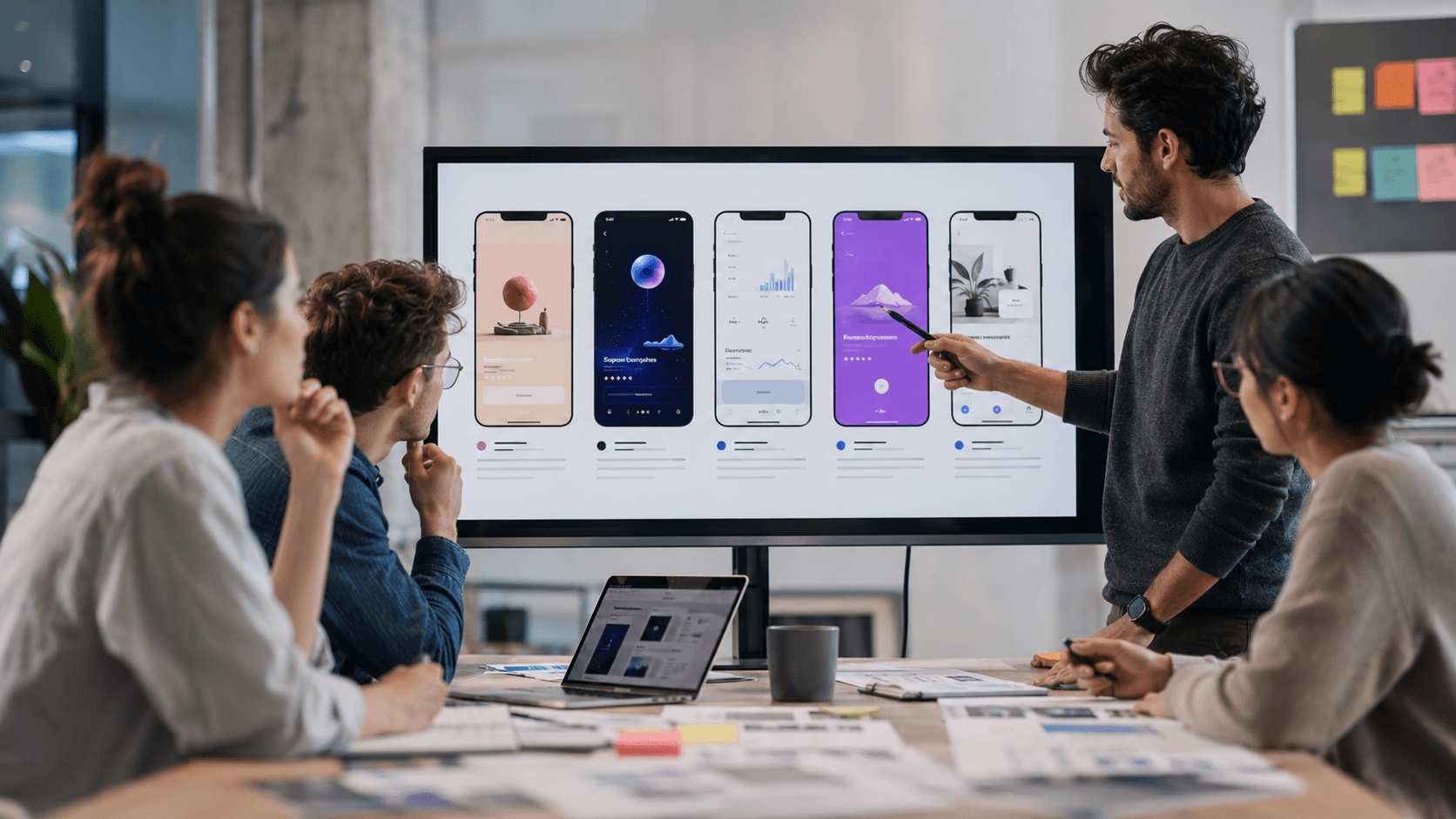
Where possible, A/B test variations. Where possible, use store-native testing tools or structured experiments to compare screenshot variations. The metrics to watch include install conversion rate, listing visitors, the quality of users acquired (do they retain?), and overall acquisition performance.
Test one big idea at a time. Headline copy. Sequence order. Visual style. Benefit framing. Device mockups versus lifestyle images. Multivariate tests sound thorough on paper and almost always produce noisy results in practice.
Iteration after launch is one of the highest-leverage growth investments founders can make. The team behind a serious launch should plan for it.
TouchZen Media test screenshot concepts
TouchZen Media update screenshots based on user behavior
A Practical Screenshot Checklist for Founders
Before submitting or refreshing a listing, work through these questions:
Does screenshot one explain the app's main value in three seconds?
Are the headlines benefit-driven, not feature-named?
Is the text readable on a real phone, not just a monitor?
Do the visuals match the live product?
Does the sequence tell a single story from screenshot one to five?
Are the screenshots updated to the current UI?
Have you checked how the listing looks on both Apple and Google Play, separately?
Is there a plan to test screenshot variations after launch?
If two or more answers are weak, the listing is leaking installs that the underlying product earned.
When to Redesign Your App Store Screenshots
A redesign is worth the effort in a few specific moments. Before a major launch, when the entire story needs to be sharpened. After a product redesign, so the live app and the listing stay aligned. When install conversion is low despite healthy traffic, which usually points to a listing problem rather than a marketing one.
Before any paid acquisition campaign, because the screenshots will set the conversion rate the campaign is measured against. When entering a new market, where category expectations and visual language may differ. When adding major new features that change the app's value story. And when user research surfaces value drivers different from the ones currently leading the sequence.
In all of these cases, treating screenshots as a strategic asset rather than a final touch usually pays back quickly.

Conclusion
App store screenshot design is not a visual task. It is a launch strategy task, a conversion optimization task, and a positioning task in one. Founders who treat it that way consistently see stronger install conversion, better acquisition economics, and more credible first impressions across the App Store and Google Play.
The teams that get this right build the listing alongside the product, not after it. They test screenshots like they test the paywall. They update them when the app changes. They make the first two images do most of the work, and they tell a clear story across the rest.
If you are preparing a mobile app for launch or trying to improve an existing listing's performance, the team at TouchZen Media can help. We work with founders across strategy, design, development, QA, launch, and post-launch growth, and we treat app store visuals as part of the product, not an afterthought. Get in touch when you are ready to talk.
Frequently Asked Questions
1. How many screenshots should a mobile app listing include?
Both Apple App Store and Google Play allow up to ten screenshots. Most users see and act on the first two or three. A useful target is five well-designed screenshots that tell a complete story, with optional later images covering depth. Quality and sequence matter far more than count.
2. What should the first app store screenshot show?
The single strongest outcome the app delivers, framed as a benefit, paired with a clear product visual. It should answer "what is this app for and why should I care" within a few seconds.
3. Should App Store and Google Play screenshots be the same?
No. The two stores have different layouts, browsing behaviors, and conventions. Use the same core message, but adapt the design, framing, and sometimes the order for each platform.
4. How often should app store screenshots be updated?
Whenever the live app changes in a meaningful way, before paid acquisition campaigns, or when conversion is underperforming. Many strong apps refresh screenshots two to four times a year as the product evolves.
5. Can better screenshots improve app installs?
Yes, often significantly. Screenshots are one of the most influential conversion assets on most app listings, and improvements there can often lift install rate more than many other listing changes, and improvements there typically lift install rate more than any other single change to a store presence.


