

Joy Foroughi
Executive Assistant


Mobile App Feature Flags and Progressive Rollouts: How to Ship Without Breaking Production
How mobile app feature flags, progressive rollouts, and kill switches help startups ship safer releases without breaking production or burning users. Mobile releases are riskier than web releases, and one bad one can hurt retention, reviews, and revenue. Mobile app feature flags and progressive rollouts are how mature teams ship safely.
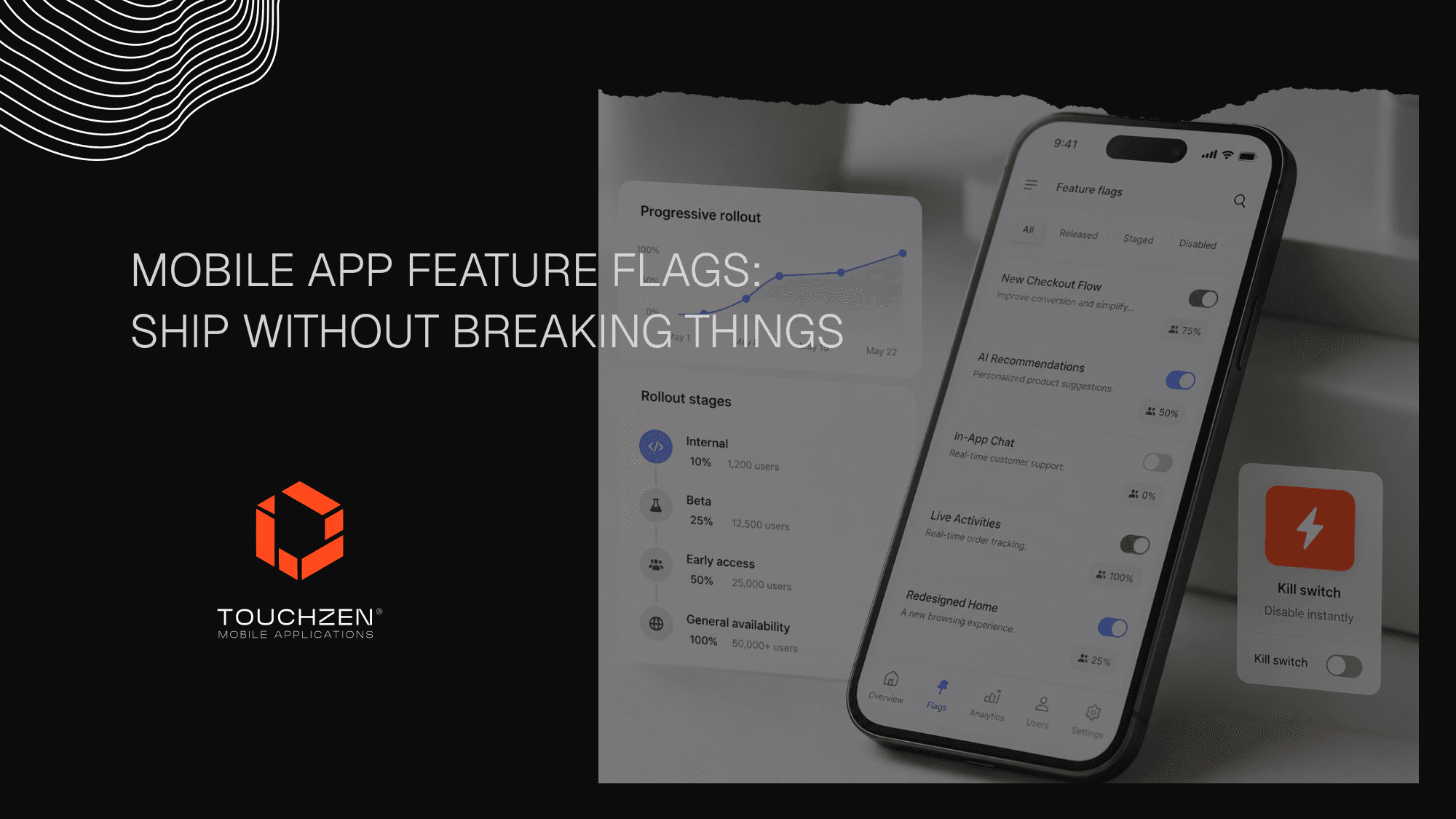
Introduction
Shipping a mobile app update is not the same as deploying a website. On the web, a broken release can be reverted in minutes. On mobile, a broken release can sit in users' hands for days while Apple or Google review the fix, ratings drop, support tickets climb, and revenue leaks.
That mismatch is why mature mobile teams ship the way they do. They release new features behind switches that can be turned on and off without a new App Store build. They roll out to small slices of users first, watch the data, then expand. They build kill switches into anything risky, so a feature can be disabled the moment something goes wrong.
This article walks through how mobile app feature flags and progressive rollouts work, why they matter more on mobile than on the web, and what founders should ask their development team to make sure releases stop feeling like a gamble.
What Are Mobile App Feature Flags?
A feature flag is a switch built into the code that lets a team turn a feature on or off remotely, without shipping a new version of the app.
In practice, that means a new onboarding flow can be released to the App Store today but kept invisible to users until the team decides to enable it. A new paywall can be A/B tested with 20% of users while the rest see the old one. A new AI feature can be available only to internal testers, then to a small beta cohort, then to a percentage of all users, all without resubmitting to Apple or Google.
The feature is in the binary. Whether the user sees it is decided by the server.
Common examples include enabling a new onboarding flow, testing a new paywall design, releasing an AI feature, swapping in a redesigned checkout, or showing a new dashboard screen to a specific user segment.
Why Mobile Apps Need Feature Flags More Than Websites
The case for feature flags is stronger on mobile than almost anywhere else.
App Store and Google Play review takes time. A web team can ship a fix in five minutes. A mobile team that catches a problem after release waits 24 hours to a week for review before the fix even reaches users. That is days of broken experience the team cannot pull back.
Users update apps at different times. Even when a fix ships, a portion of the user base will be on an older build for weeks. Feature flags give the team a way to disable a broken feature even on those older versions, instantly.
Mobile crashes and bad reviews are unusually expensive. A single bad release can damage App Store ratings, and that trust is harder to rebuild than founders expect. Featuring opportunities, conversion, and trust all move with it.
Backend and API dependencies can break user flows in ways the mobile team cannot fix from the app alone. A feature flag lets the team disable the dependent screen until the backend is ready or fixed.
The risk profile is different. The tools should be too.
TouchZen Media Ongoing Support & Growth Services
Progressive Rollouts, Explained
A progressive rollout is a release strategy where a new feature is shown to a small percentage of users first, then expanded in stages.
A typical pattern looks like this. Day one, the feature is enabled for 1% of users. The team watches crash rates, support tickets, and key metrics for a day or two. If everything looks healthy, the rollout expands to 5%, then 10%, then 25%, then 50%, then 100%.
At each step, the team is looking for signals that something is off. A spike in crashes. A jump in support volume. A dip in conversion or retention. A performance regression. If any of those show up, the rollout pauses or rolls back, and the team digs in.
The opposite approach, shipping a new feature to 100% of users on day one, is what causes most disastrous releases. Even well-tested features sometimes fail in production because of edge cases that QA cannot fully simulate. Progressive rollouts catch those problems while they are still small.
TouchZen Media A/B Testing & Growth Experiments Services

Kill Switches and Emergency Rollback
A kill switch is a specific kind of feature flag designed to disable a feature instantly when something breaks.
It is not the same as a normal rollout flag. A kill switch exists specifically so the team has a one-click way to take a bad feature offline without waiting for a new app store release.
Practical examples founders should think about:
Turning off a buggy checkout experiment that is causing failed payments
Hiding an unstable AI feature that is producing bad output
Disabling a new onboarding screen that is dropping activation
Reverting a recommendation module that is showing irrelevant content
Every high-risk feature should ship with a kill switch in place. The cost is small. The protection is significant.
Remote Config vs. Feature Flags
Founders sometimes hear "remote config" and "feature flags" used interchangeably. They are related but not identical.
Remote config changes the behavior or settings of features that already exist. The colors on a button, the copy on a paywall, the order of items on a home screen, or the timeout on an API call can all be tuned remotely without shipping a new build.
Feature flags control whether a feature is available at all. Either the new onboarding flow is on or it is off. Either the new payment provider is integrated for this user or it isn't.
In practice, modern mobile teams use both. Remote config tunes the experience. Feature flags release the experience. Together, they give the team meaningful control over the live app without depending on App Store approval for every change.
What Founders Should Ask Their Development Team
Founders do not need to write feature flag code. They do need to ask the questions that make sure feature flags are part of the release process. Before any meaningful release:
Can we release this feature to a small user segment first?
What metrics will we watch before expanding the rollout?
Do we have a kill switch on anything risky?
What happens if this feature breaks in production?
Can this be controlled without a new app store release?
Who owns the decision to roll forward or roll back?
If most of these have clear answers, the team is operating with discipline. If most are blank, the release is being treated as hope, which is the most expensive release strategy in mobile.
Mobile App Scalability Tips for Startup Founders in 2026
Common Mistakes to Avoid
A few patterns show up consistently when feature flag work goes sideways.
Shipping every new feature to 100% on day one undoes the entire point of the system. Even a small initial rollout catches problems early.
Not monitoring after release is the second most common mistake. Feature flags only help if the team is watching the right dashboards in the window after release. Otherwise, the rollout just delays bad news.
Keeping old flags forever clutters the code and creates confusion. Any flag that has been at 100% for several months should be removed, and the codebase should be cleaned up.
Using too many flags without documentation makes the system itself a liability. A new engineer should be able to look at any flag and know what it does, what state it is in, who owns it, and what the rollout plan is.
Running experiments without clear success metrics turns A/B tests into noise. Before any experiment ships, the team should agree on what success looks like.
Forgetting QA for different flag states is a quiet trap. Every flag creates a new combination of states the app could be in. QA should cover the meaningful ones.
What Is Web App Architecture? A Founder’s Guide for Startups
When Feature Flags Are Worth the Effort
Not every small feature needs full feature flag infrastructure. Many small UI tweaks can ship in a standard release without ceremony.
Feature flags are worth the investment when the feature is high-risk or high-impact. Onboarding changes belong behind flags because they directly affect activation. Subscription and paywall tests need them because pricing changes can swing revenue. Checkout and payment flows need them because failures cost money in real time. AI features need them because output quality can drift unexpectedly. Major UX redesigns, backend-dependent features, and anything that touches a meaningful share of the user base also justify the work.
If a feature could damage retention, revenue, or reviews when it goes wrong, it belongs behind a flag.
How TouchZen Media Approaches Safer Mobile Releases
At TouchZen Media, we think of feature flags less as a developer convenience and more as a business risk-management tool. After shipping 75+ mobile apps, we’ve seen that the apps that hold up best after launch are the ones that ship behind disciplined release processes: thoughtful product planning, real QA before launch, phased rollouts after launch, and an ongoing support model that watches what users actually do.
Our work spans the full mobile lifecycle, including product strategy, UX/UI design, native iOS and Android, Flutter and React Native, QA, launch support, and post-launch growth experiments. Examples of how that comes together in real launches can be found across the TouchZen portfolio. The teams that succeed post-launch almost always treat release engineering as part of the product, not an afterthought.

Conclusion
Mobile app feature flags are not a technical luxury. They are how serious mobile teams release safely on platforms that punish mistakes. Used well, they convert risky releases into measured experiments. Used poorly, they add complexity without protection. The line between the two is mostly process: clear rollout plans, real monitoring, kill switches on anything risky, and the discipline to clean up flags after they are no longer needed.
If you are building, scaling, or rethinking how your mobile app ships, talk to our team. We help startups and growing companies design, build, launch, and scale mobile apps with the kind of release discipline that protects retention, reviews, and revenue from the kinds of small mistakes that quietly compound.
Frequently Asked Questions
1. What are mobile app feature flags?
Mobile app feature flags are switches built into an app's code that let teams turn features on or off remotely, without releasing a new version through the App Store or Google Play. They are the foundation of safer mobile releases.
2. Why are feature flags useful for mobile app releases?
Because mobile updates cannot be rolled back instantly. A broken release on the web can be fixed in minutes, but a broken mobile release sits in users' hands until a new build is reviewed and installed. Feature flags give the team control over the live experience without waiting on store approval.
3. What is a progressive rollout?
A progressive rollout is a release strategy where a new feature is shown to a small percentage of users first, then expanded in stages, typically from 1% to 5% to 10% and upward. The team watches metrics at each stage and pauses or rolls back if something goes wrong.
4. Can feature flags reduce app store release risk?
Yes, significantly. With feature flags, a feature can be shipped in a build but kept hidden until the team is confident it works. It can then be enabled gradually, and disabled instantly through a kill switch if something breaks, without needing a new App Store or Google Play release.
5. When should a startup use feature flags?
For any feature that meaningfully affects activation, retention, revenue, performance, or trust. Onboarding flows, paywalls, checkout experiences, AI features, backend-dependent features, and major redesigns all justify feature flag infrastructure. Smaller, low-risk changes can usually ship without it.


